
· ARUM Team · LED Knowledge
LED Strip Lifespan — How Long They Really Last and How to Extend It
Quality LED strips are rated 30,000–50,000 hours (L70), but poor installation or neglect can cut that in half. Here's what actually kills them and how to prevent it.
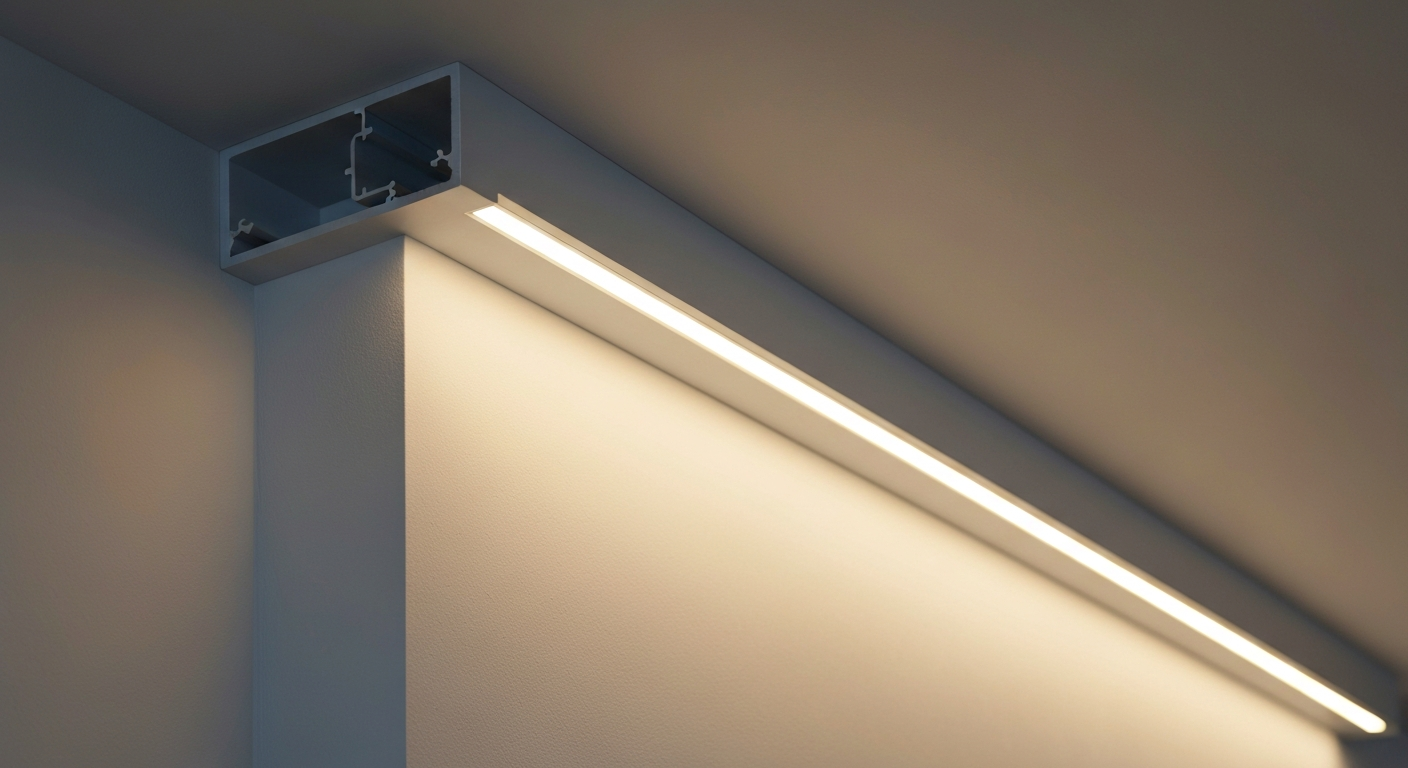
You invested in quality LED strips — now you want them to last. But how long does an LED strip actually last, and what quietly shortens their life before their time?
This guide breaks down the real numbers, the five most common killers, and the practical steps you can take from day one to get a decade or more out of your LED installation.
Understanding LED Strip Lifespan — What L70 Actually Means
When a manufacturer states “50,000-hour lifespan,” they’re referring to the L70 rating — the point at which the light output has dropped to 70% of its original brightness. The strip won’t suddenly fail; it gradually dims over time.
Lifespan comparison by tier:
| Type | L70 Rating | Notes |
|---|---|---|
| Budget (unbranded) | 10,000–20,000 hrs | Low-grade LED chips |
| Mid-range | 25,000–35,000 hrs | Good for most residential use |
| Premium | 40,000–50,000+ hrs | Samsung / Bridgelux / Epistar chips |
At 8 hours of use per day: 50,000 hrs = 17 years
At 12 hours per day: 50,000 hrs = 11 years
The gap between theory and practice is caused by the factors below.
5 Things That Kill LED Strips Prematurely
1. Heat Build-Up — The #1 Enemy
LEDs are highly sensitive to temperature. Every 10°C rise in junction temperature roughly halves the LED’s rated lifespan. Common heat causes:
- Mounting directly onto wood or plasterboard with no heatsink
- Installing in enclosed spaces with no air circulation
- Running high-wattage strips without thermal management
Fix: Always use an aluminium channel/profile, especially for COB strips or anything over 10W/m. The channel acts as a heatsink and can extend life dramatically.
2. Unstable or Over-Voltage Power Supply
A 24V LED strip fed with 26–27V continuously will overdrive the LEDs and cause rapid degradation. Budget power supplies with poor voltage regulation are a frequent culprit.
Fix: Use a power supply with constant-voltage output and over-voltage protection. Size it to run at no more than 80% of rated capacity.
3. Moisture Damage on Non-Waterproof Strips
IP20-rated strips installed in kitchens, bathrooms, or anywhere with steam or humidity will suffer from moisture ingress, corroding the circuit and LED pads.
Fix: Match the IP rating to the environment. Use IP65 for splash zones, IP67 for submersion. → See our IP Rating Guide
4. Voltage Drop from Runs That Are Too Long
Excessively long runs without proper power injection cause some LEDs to operate under abnormal voltage conditions, creating uneven wear and premature failure at the far end.
Fix: Use 24V strips instead of 12V for longer runs, or add power injection points mid-run.
5. Counterfeit or Low-Quality Chips
Some budget strips use off-spec chips with poor bin quality. They may look fine initially but degrade quickly and unevenly regardless of how well they’re installed.
Fix: Buy from suppliers who specify the chip brand (Samsung, Bridgelux, Epistar) and publish CRI and lm/W specifications.
How to Extend LED Strip Lifespan — Starting on Day One
Install Correctly from the Start
- Always use an aluminium channel — it’s not just for aesthetics, it’s your thermal management
- Leave ventilation gaps when installing inside ceiling coves or enclosed profiles
- Size your power supply correctly — 20% headroom minimum
Routine Maintenance
- Dust the strip and channel once or twice a year — dust acts as insulation and traps heat
- Inspect connectors — any signs of discolouration or unusual warmth should be addressed immediately
- Use a dimmer to run at lower output when full brightness isn’t needed — less heat, longer life → Dimmer LED Guide
Buy Smart
- More W/m isn’t always better — match wattage to the task
- Check IP rating against the install environment
- Ask about the chip brand — if the seller can’t tell you, that’s a warning sign
Signs Your LED Strip Is Starting to Fail
- Uniform dimming across the whole strip — normal aging, approaching end of useful life
- Sections brighter than others — voltage drop or a loose connector
- Colour shift (e.g., warm white developing a greenish cast) — individual chip bins degrading
- Burning smell — stop use immediately; inspect power supply and all connections
Summary
LED strip lifespan depends on more than just the quality of the product — installation quality and ongoing care make an enormous difference. Get these right from the start (aluminium channel, quality PSU, correct IP rating for the space) and a premium LED strip can realistically last 10–15 years.
Need help choosing the right LED strip for your project? Contact the ARUM team or browse our full LED strip range.